

Download the user manual here.
XDisp
Assessment of building, utilities and rail damage by considering the ground displacements due to tunnelling and excavations.
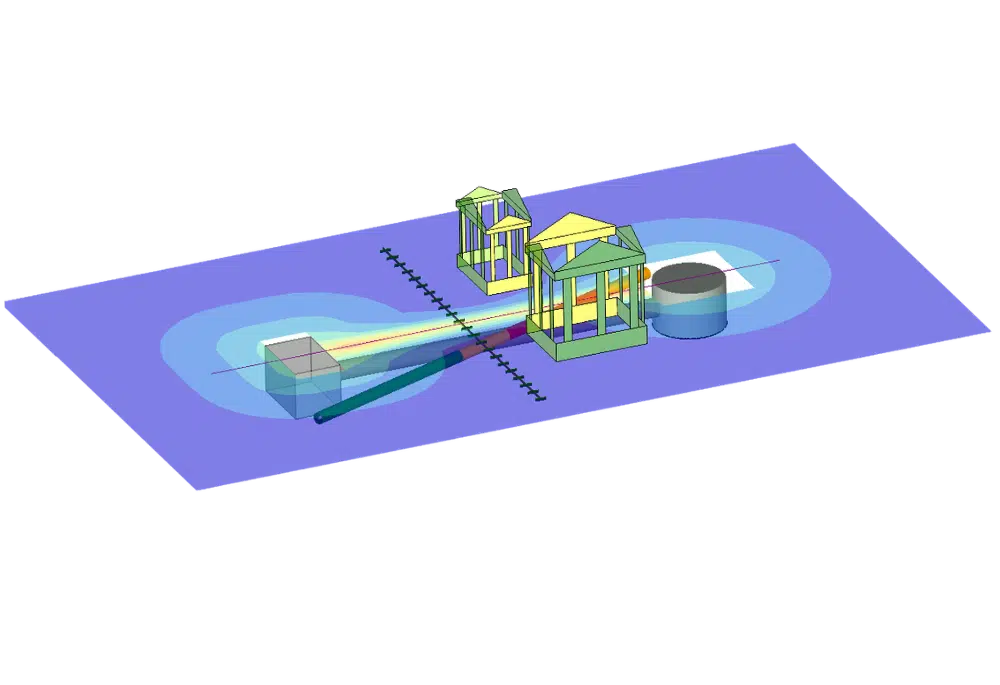
What is XDisp
Asset damage assessment
Oasys XDisp provides engineers with a simplified method and streamlined workflow for carrying out multiple asset damage assessments as part of ground movement evaluations for projects ranging from single basement extensions to large linear infrastructure projects. XDisp provides better understanding of the potential for detrimental impact on existing or future assets. You can explore more scenarios to cycle through several design options to meet client requirements.
Benefit from the interoperability of both Oasys PDisp and XDisp to undertake comprehensive ground movement analysis under loading conditions by easily importing 3D displacement fields directly into XDisp.
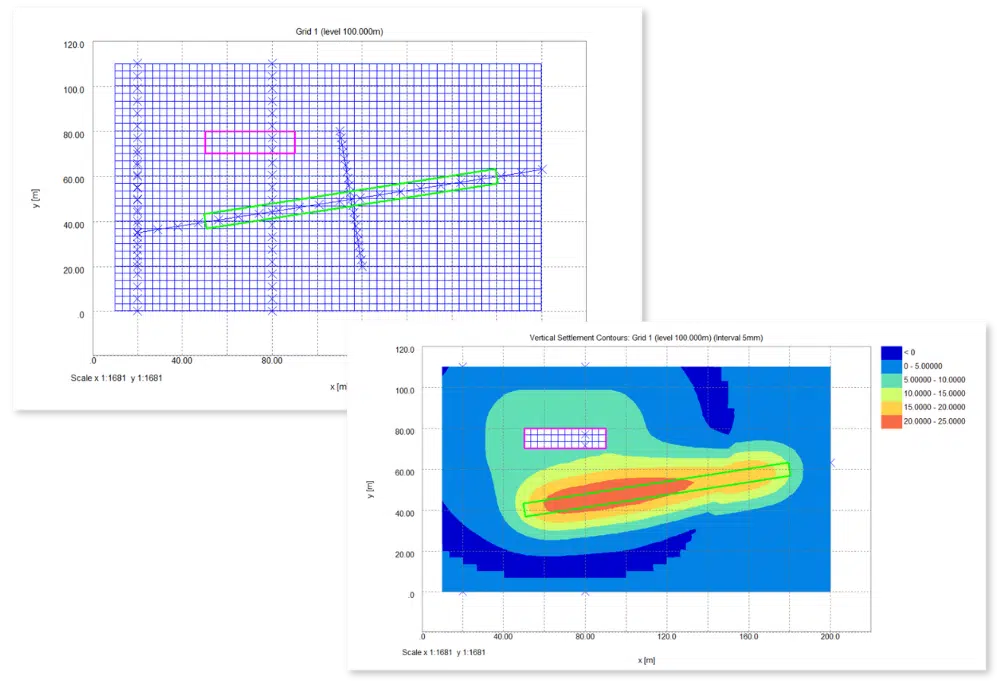
Core capabilities
XDisp is the ideal software for engineers carrying out small-scale projects in congested urban environments.
For large-scale projects requiring multi-stage construction, we have the XDisp Pro offering, allowing you to have individual models covering multiple stages. The COM interface and JSON capability powers automated workflows for scenario exploration and sensitivity analysis. The inbuilt automated bulk chart export feature makes retrieving your report-ready outputs quick and effortless.
XDisp
XDisp Pro
Why choose XDisp?
Asset damage assessment is often required in built-up congested urban environments and where assets are at risk of damage due to civil engineering works. It’s crucial to understand and measure the potential impact of engineering options on assets to assess future repair or maintenance costs, health and safety implications and social liability. Geotechnical and civil engineers rely on XDisp to confidently and clearly communicate evaluations to stakeholders.

Rapid analysis
XDisp enables you to do quick optimised calculations to provide you with outputs needed for asset damage assessments.

Established methods
Standardised methods and approaches for buildings, utilities and rail damage assessments.

Useful visualisations
Tabulated and graphical outputs to fit your reporting needs.
Real-world applications
See how engineers across the world rely on XDisp for asset damage ssessment.
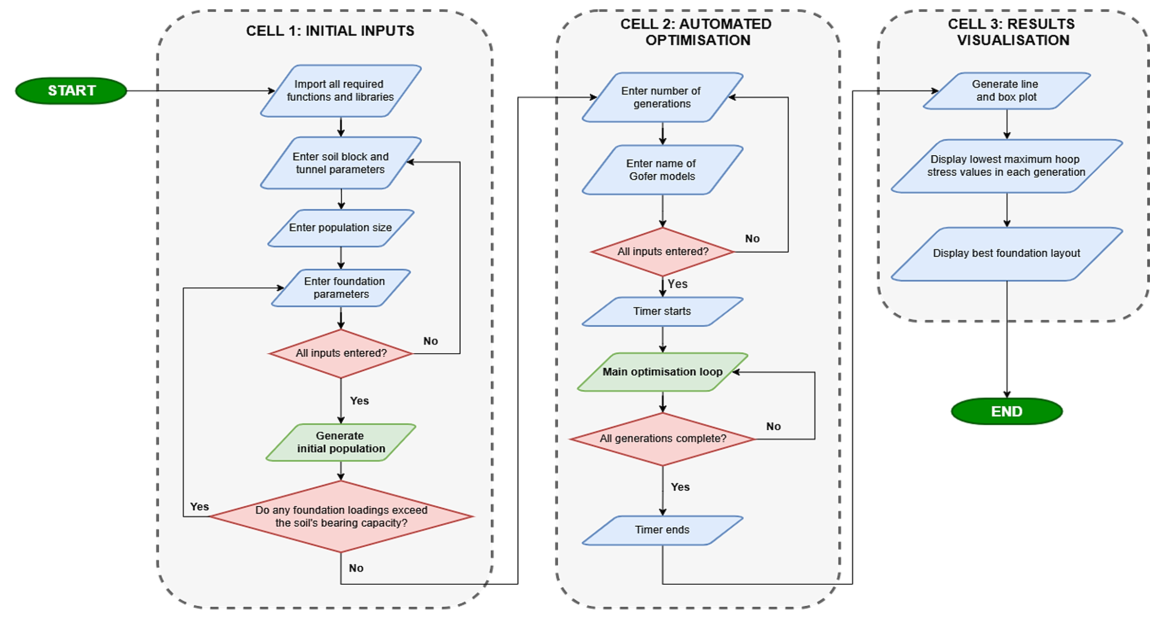
Geotechnical engineering
Investigating automated optimisation of foundation design
This research project carried out by Durham University MEng student Arthur Chai, in collaboration with Arup and Oasys, addresses the complex challenge of foundation design and impact assessment in civil engineering. This area plays a crucial role in ensuring…
Read More
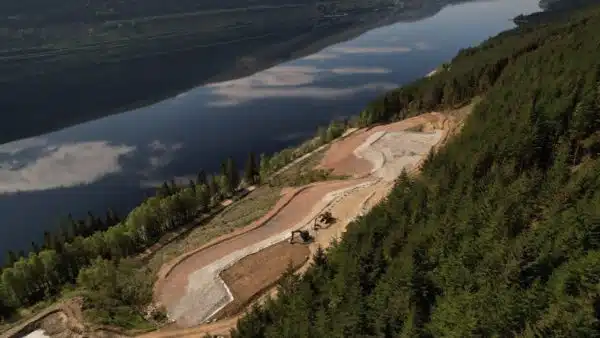
Geotechnical engineering
Coire Glas exploratory works – detailed slope stability analysis of a spoil storage area
Coire Glas is a pumped storage hydro scheme currently being developed by SSE Renewables in the Great Glen in the Scottish Highlands. A recent…
Read More
Geotechnical engineering
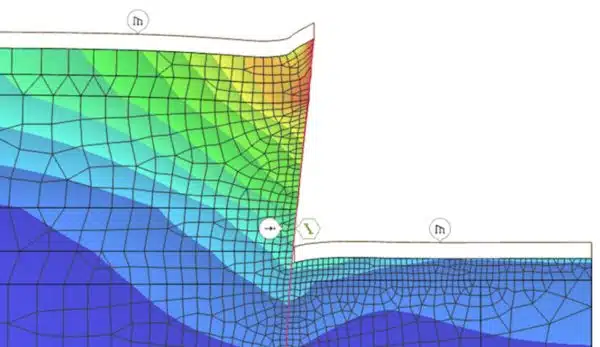
The future of geotechnical engineering – Oasys Gofer vs traditional FEA methods
For a major linear infrastructure project in the United Kingdom, Arup utilised cloud geotechnical analysis software Oasys Gofer to model a section of a cantilever embedded diaphragm wall.…
Read More
Software support
Submit your support requests through the Customer Service Portal. You will need to use your Customer ID to log into the portal.
Tutorials and documentation
Find links to support, tutorials, documentation, and resources for all Oasys software products on the support page.
FAQs
Find answers quickly
Check the FAQs for quick answers to commonly asked questions. If you can’t find what you’re looking for, you’ll also find links to more detailed guidance and support.
We offer stand alone, network and international network licenses for our desktop software. For more licensing help, go to the licensing guide.
The minimum computer system requirements are:
-
- Windows 64-bit (Windows 11)
- OpenGL 3.3 compatible GPU
- Minimum display resolution of 1280×1024
- A CPU that supports AVX instructions
- Minimum 2GB RAM, though more will be required for large models
Training is available for Gofer upon request. Submit the form below to speak to our team about arranging time with our specialists.
Submit the form below to speak to arrange to a trial or demonstration.
Speak to us about XDisp
Talk to our team about using XDisp on your asset damage assessment projects.