

Download the user manual here.
Slope
Slope stability analysis for a range of scenarios.
What is Slope
2D slope stability analysis
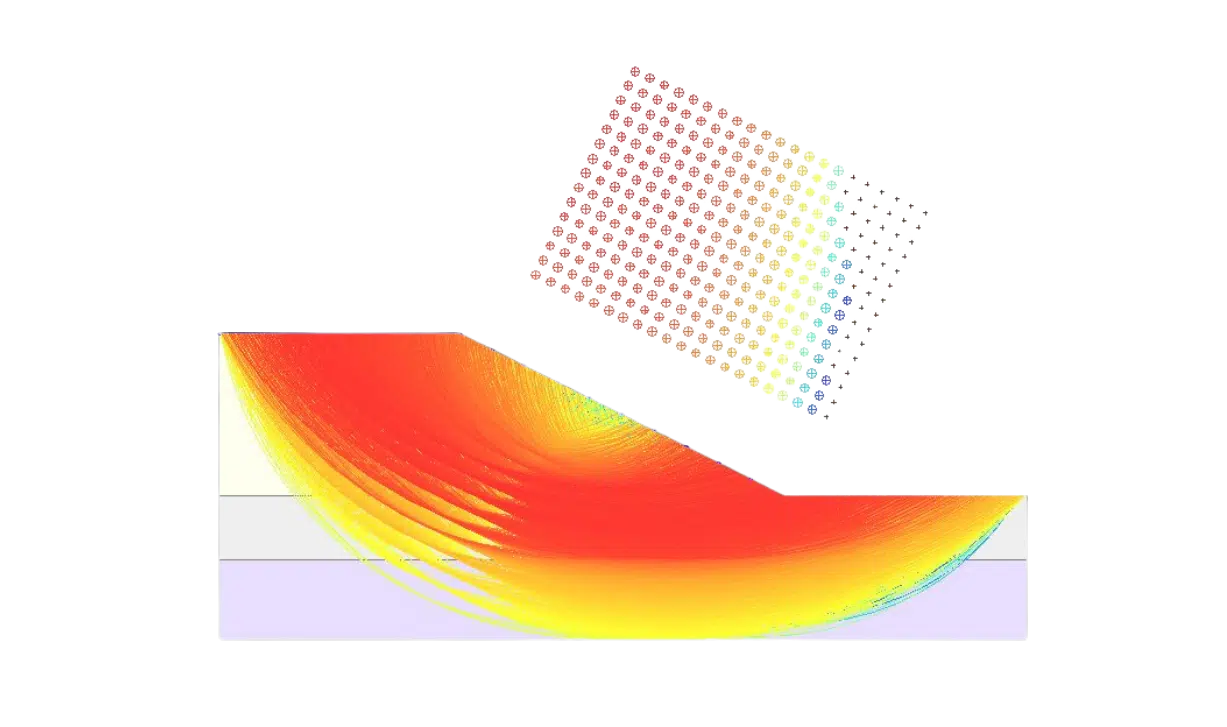
Oasys Slope enables 2D slope stability analysis using Limit Equilibrium Method (LEM) and presents the results in a clear graphical format. Model reinforced and unreinforced slope stability scenarios for projects ranging from flood defence schemes, linear infrastructure, sound barriers, landscape design and temporary works.
Core capabilities

Single-stage modelling
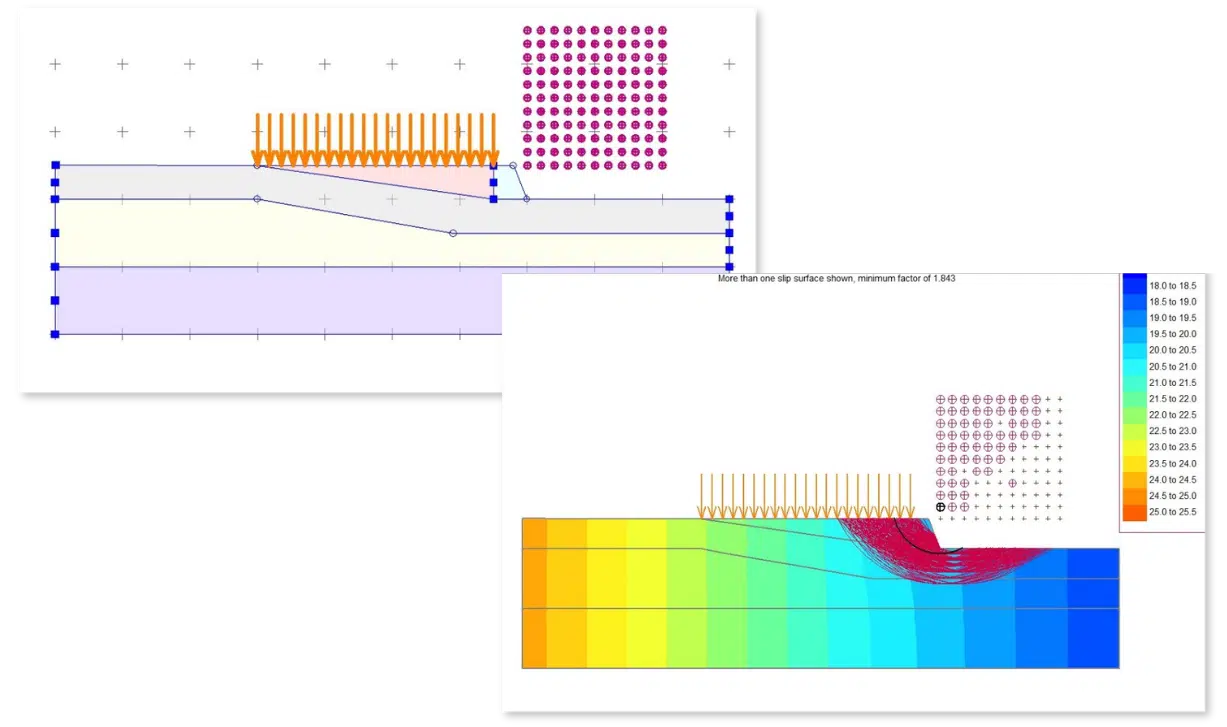
Create individual geometrical model files to undertake reinforced or unreinforced calculations.

Steady state seepage analysis
Slope includes the option of finite element steady state seepage analysis or defined pore pressure distribution.

Soil reinforcement
Include soil reinforcement and assess its impact on the resulting factors of safety, and the overall design.

Partial factor analysis
Apply partial factors to your analyses like EC7 and BS 8006 or custom factors.
Limit Equilibrium Method
A new era of slope stability analysis
We’ve moved slope stability analysis to the cloud.
Building on Oasys Gofer’s existing c‑phi strength reduction approach, you can run both LEM and Finite Element Methods (FEM) side‑by‑side in the same model, using the same geometry and material definitions. Two methods, all in one place. By switching to Gofer, you unlock an upgraded workflow with a multi-stage analysis approach, streamlining the modelling process.
With seamlessly enhanced insights into ground movement and soil stresses, you can take your slope stability assessments to the next level with Gofer. Existing finite element‑based Gofer models can benefit from an additional analysis pathway, providing greater confidence, flexibility, and depth in your geotechnical evaluations.
Get in touch to request a trial and make the switch to Gofer today.

Software support
Submit your support requests through the Customer Service Portal. You will need to use your Customer ID to log into the portal.
Tutorials and documentation
Find links to support, tutorials, documentation, and resources for all Oasys software products on the support page.
FAQs
Find answers quickly
Check the FAQs for quick answers to commonly asked questions. If you can’t find what you’re looking for, you’ll also find links to more detailed guidance and support.
We offer stand alone, network and international network licenses for our desktop software. For more licensing help, go to the licensing guide.
The minimum computer system requirements are:
-
- Windows 64-bit (Windows 11)
- OpenGL 3.3 compatible GPU
- Minimum display resolution of 1280×1024
- A CPU that supports AVX instructions
- Minimum 2GB RAM, though more will be required for large models
Training is available for Slope upon request. Submit the form below to speak to our team about arranging time with our specialists.
Submit the form below to arrange to a trial or demonstration.