

Download the user manual here.
MassMotion
Design safer, smarter, and more efficient spaces with the world’s leading pedestrian simulation and crowd modelling software.
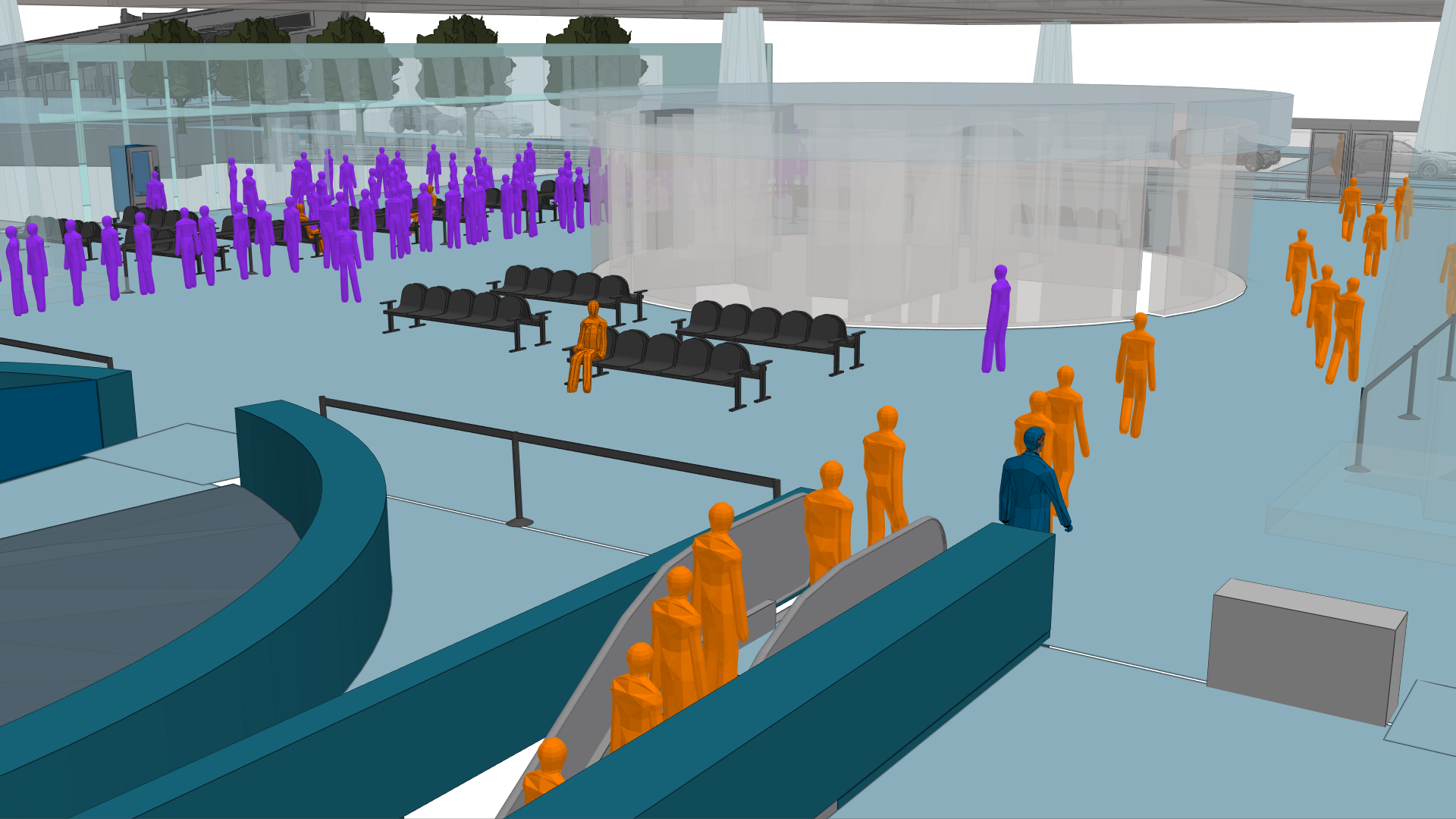
What is MassMotion
Create. Simulate. Analyse. Revise.
Oasys MassMotion was created to solve a clear need – to design spaces around people rather than just the ground they’re built on. As the industry-leading pedestrian simulation software, MassMotion is a human-centric design software solution trusted by engineers, designers, planners, architects, and operators for designing people-focused spaces. Using real-world data, it enables you to simulate pedestrian movement, perform pedestrian flow analysis, test operational scenarios, and confidently communicate design decisions to stakeholders.
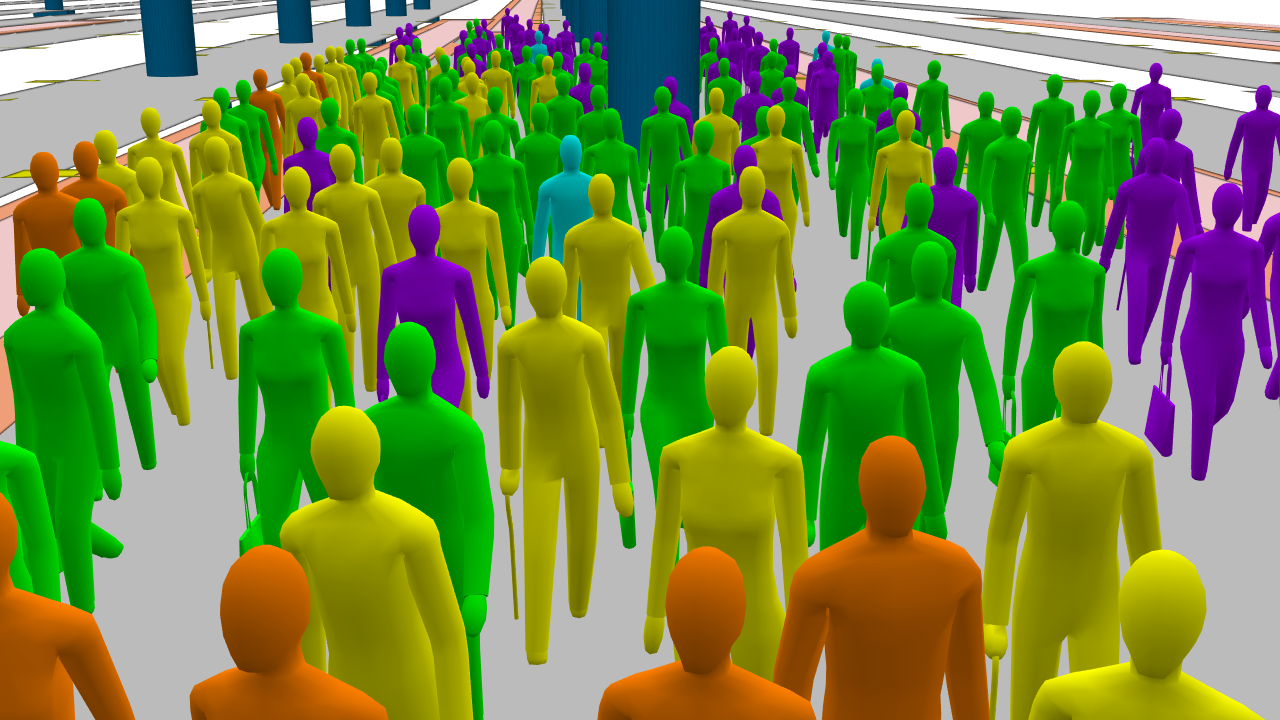
Core capabilities

Modern BIM import tools
Import models from various file types (e.g. .fbx, .ifc, .dwg) and more. MassMotion supports both 2D and 3D geometry for comprehensive pedestrian modelling.

Flexible user interface
A modern, user-friendly interface allows you to quickly build environments and simulate scenarios with ease.

Powerful visualisation features
Simulate agents with 3D avatars to represent various demographics and capture 4K flythrough videos of your simulations to communicate findings to stakeholders.

Input real-world data
Import data to establish parameters such as population, demographics, and schedules, allowing you to run a range of simulations that emulate real-world scenarios.

Rapid analysis
The advanced simulation engine enables fast, reliable results for in-depth pedestrian traffic analysis. View outputs in multiple forms (tables, heatmaps, graphs) to understand congestion hot spots, wait times, trip times, and other spatial performance metrics. Run iterative scenarios to see the impact of parameter changes on pedestrian flow.

Software Development Kit (SDK)
Unlock direct access to the MassMotion crowd simulation engine to customise your models. The SDK puts you in control of advanced algorithms and agents, letting you integrate MassMotion into your own workflows.
Why choose MassMotion
MassMotion integrates seamlessly with BIM workflows, supports automation and customisation, and provides rapid analysis in a virtual environment. It stands out among crowd simulation tools by offering an unmatched combination of accuracy, speed, and human-centric design.

Human-centric design
Put people at the heart of your design and planning process. MassMotion’s approach ensures that layouts and operations prioritise pedestrian needs and safety.

Validated accuracy
Based on comprehensive research and tested across diverse environments, the MassMotion pedestrian modelling engine delivers validated accuracy you can trust.

Reduce risk and cost
Avoid expensive real-world trials by using MassMotion’s virtual simulations. Test scenarios with crowd flow simulation to identify issues and mitigate risks before implementation, saving time and costs.

Improve pedestrian experience
Identify congestion points, optimise queuing and egress times, utilise dead space (e.g. add concession stands), and enhance overall pedestrian flow for a better user experience.

Future-proof designs
Minimise costly redevelopment by validating plans early. By testing multiple scenarios now, you ensure your design can handle future pedestrian traffic demands and regulatory changes.
Use cases: where MassMotion excels
MassMotion helps architects, facility operators, and master planners ensure their spaces operate effectively, efficiently, and safely. Its flexibility supports a wide variety of environments and scenarios.
Transport and aviation planning
Optimise transport hubs and airport terminals by simulating passenger movement and performing pedestrian traffic analysis to reduce congestion and improve safety.
Stadia and event planning
Design stadiums and large events using detailed crowd simulations to handle large crowds safely. By modelling entry, exit, and circulation with MassMotion, you can ensure smooth ingress/egress and an enjoyable fan experience.
Themed entertainment
Plan theme parks and attractions by modelling crowd movement to maximise guest satisfaction and safety. Simulate various peak times and emergencies to fine-tune park layouts and operations.
Fire egress, evacuation and safety
Ensure compliance and safety by simulating pedestrian movement during emergency evacuations. Test and validate that all occupants can exit swiftly and safely under different scenarios.
Architecture
Incorporate pedestrian modelling into building design to optimise internal circulation, lobby sizing, stair and corridor widths, and overall user comfort within buildings.
Urban and commercial planning
Shape city centres, retail complexes, and other public spaces using pedestrian flow analysis. Plan for accessible, comfortable environments by understanding foot traffic patterns in plazas, shopping malls, and streetscapes.
Educational and cultural
Enhance schools, universities, museums, and other cultural venues by simulating visitor flows. Improve navigation, accessibility, and crowd management for day-to-day operations and special events.
Why invest in pedestrian simulation design
Pedestrian modelling and simulation are essential for risk management, operational efficiency, and customer satisfaction.
MassMotion plays a key role from the drawing board, through construction, and into operation – enabling continuous pedestrian flow analysis and proactive crowd management throughout the lifespan of a space.
By investing in pedestrian simulation early, you ensure safer, smarter designs and more resilient operations, ultimately delivering a better experience for everyone who uses your space.
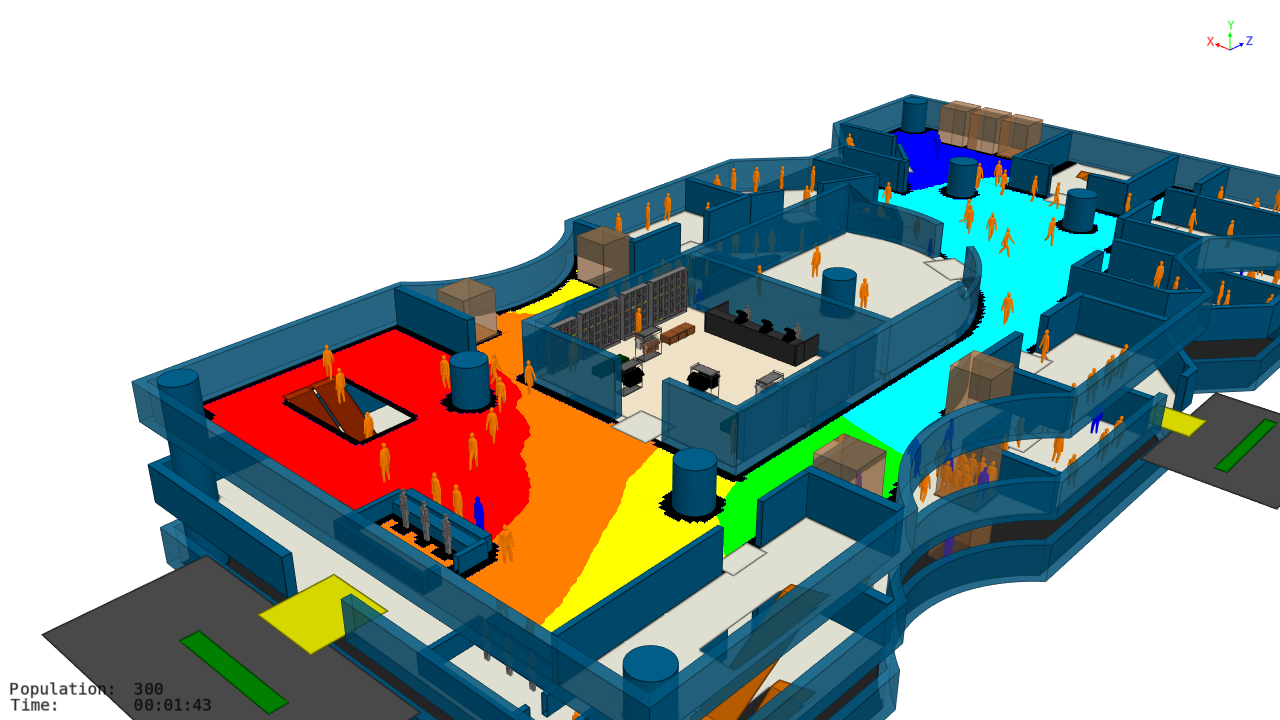
Real-world applications
If you design or operate buildings where managing the impact of people movement is critical, MassMotion is the ideal pedestrian simulation software to test and communicate these factors. Explore our case studies to discover how leading organisations use MassMotion to optimise space performance and improve safety in real-world projects.
Pedestrian simulation
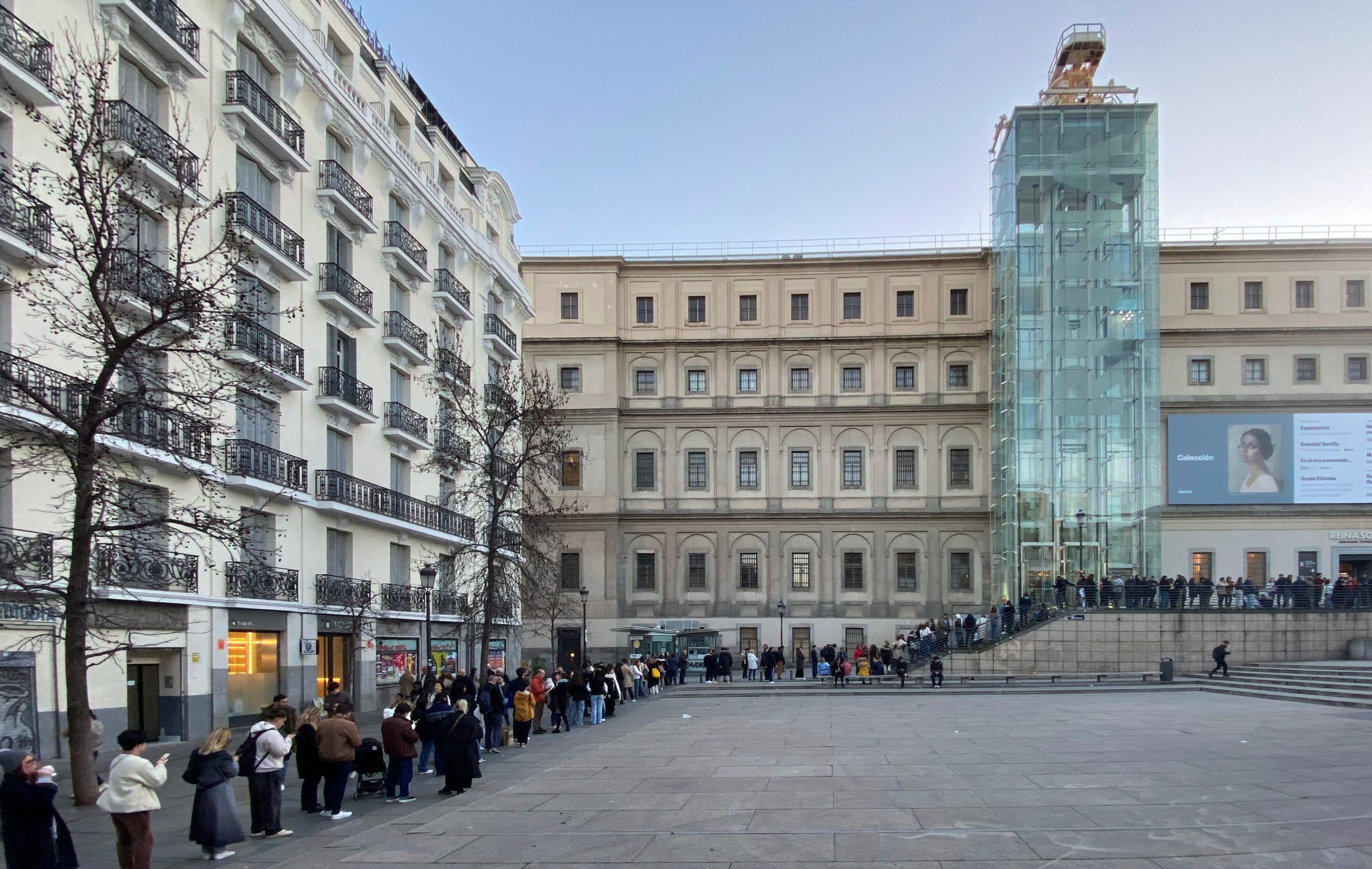
Improving visitor experience at the Reina Sofía Museum in Madrid
The Reina Sofía is one of the most important museums in Madrid and Spain. With over 1.5 million visitors in 2024, it ranked among…
Read More
Pedestrian simulation
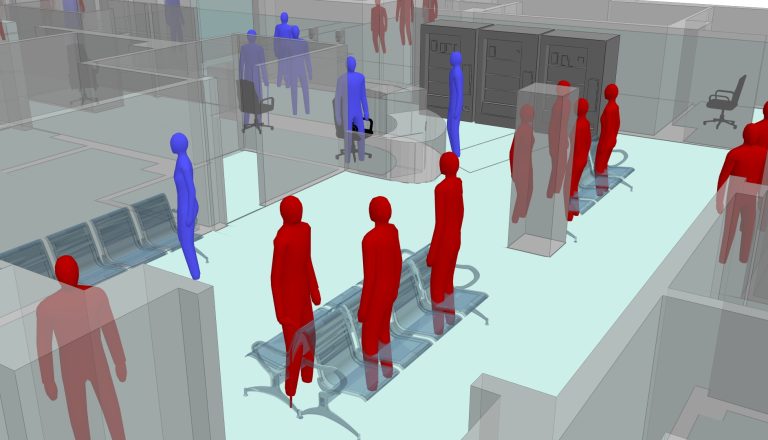
Whittington Emergency Department capacity modelling using Oasys MassMotion
During the COVID-19 pandemic, the NHS came under major strains in more ways than one. With winter 2020 fast approaching as a crucially busy…
Read More
Pedestrian simulation
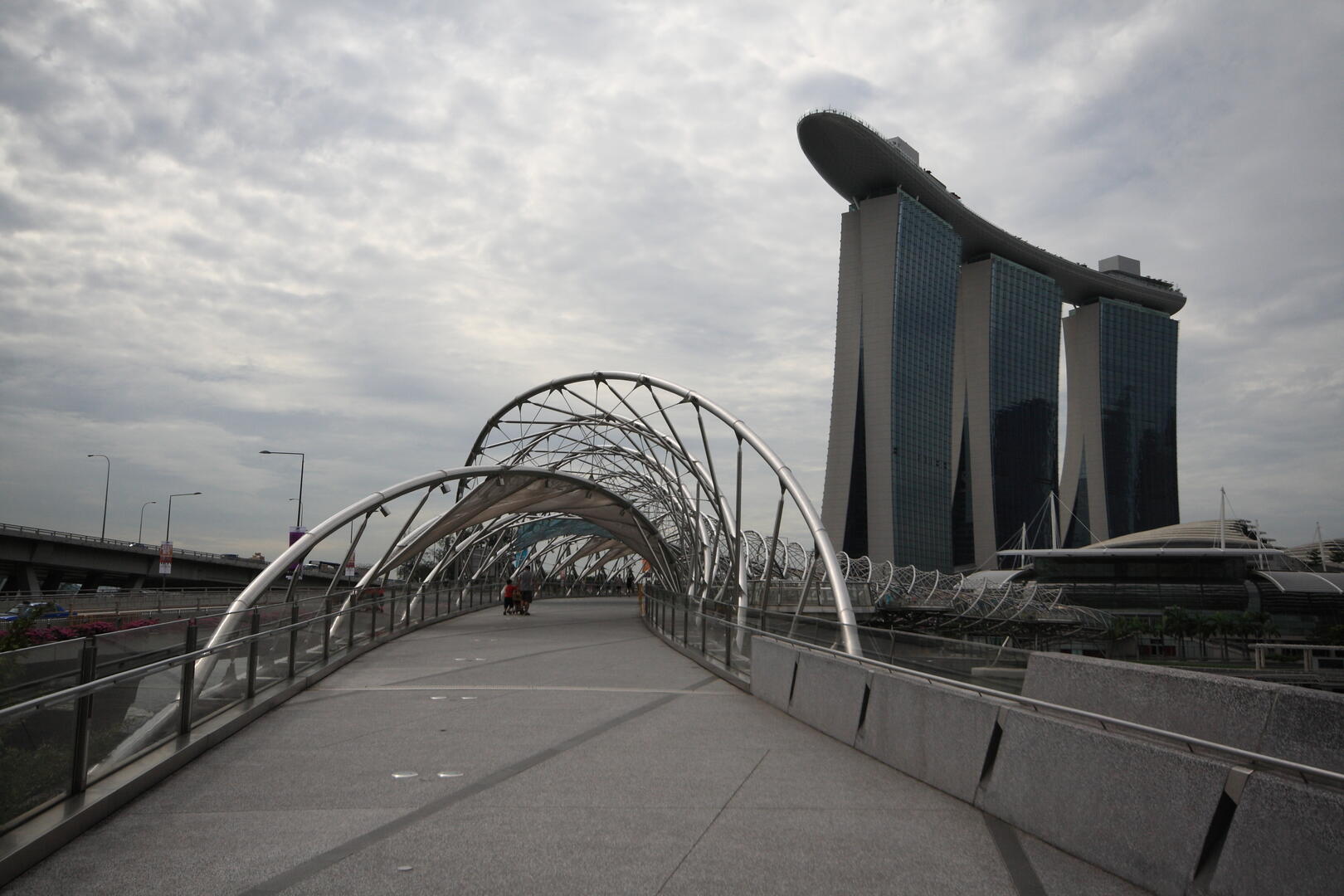
Footfall analysis for Singapore’s Helix Bridge
The elegantly curved 3.5km Helix footbridge with its four cantilevered viewing pods is a focal point of Singapore’s Marina Bay development. Its design, inspired by…
Read More
FAQs
Check for answers quickly
Check the FAQs for quick answers to commonly asked questions. If you can’t find what you’re looking for, you’ll also find links to more detailed guidance and support.
- – Standalone, network floating, network international
- – View all of our licensing types
-
- Recommended Minimum Specification:
Windows 10 64-bit - 8-core Intel or AMD workstation/server class CPU
- 16GB of RAM
- OpenGL 4 workstation GPU from NVIDIA or AMD
- 500GB Solid State Hard Drive
- 2 1680×1050 display monitors
- 3-button mouse
Minimum Specification:
- Windows 10 64-bit
- Dual-core Intel or AMD workstation/server class CPU
- 4GB of RAM
- OpenGL 3.0 compatible GPU
- 500GB Hard Drive
- 1280×1024 display monitor
- 3-button mouse
- Recommended Minimum Specification:
Submit the form below to arrange a showcase.
Speak to us about MassMotion
Ready to transform your design process? Get in touch today to speak to the team and learn how MassMotion can help you deliver success in your pedestrian planning projects.