Designing large, complex airports and terminals is no small feat. Aviation planners must balance operational efficiency, safety, and passenger experience, while ensuring infrastructure decisions are made early in the design process. That’s where data-driven pedestrian simulation becomes essential, and we've made this process simple. Using just four simple steps, you can have design iterations in front of your clients in no time. With powerful visualisations at your fingertips, you can communicate effectively with all stakeholders, maximising on time and costs involved in the project.
Oasys MassMotion is a leading pedestrian simulation tool trusted by mobility and people movement consultants worldwide. It empowers airport designers to simulate, analyse, and refine terminal operations with precision. Whether you're planning a new terminal or upgrading an existing one, MassMotion is the go-to solution for maximising airport performance and enhancing the passenger journey. Tight deadline? No worries. MassMotion simulations are fast, reliable and accurate with use of real-world data backed by extensive research.
By leveraging real-world data and advanced aviation planning software, planners can optimise airport layouts to improve movement for both staff and passengers. Crowd modelling helps identify and resolve potential issues such as capacity overload, bottlenecks, and congestion, before they become costly problems.
This article draws on the work of independent urban mobility and crowd flow consultancy MNSolutions, who supported the development of a new passenger terminal at Macaé Airport in Brazil using MassMotion. We’ll explore the project through the lens of the four key steps to using MassMotion: Create, Simulate, Analyse, and Revise, demonstrating how each stage contributed to optimising terminal design and pedestrian experience.

The four steps to using MassMotion
The four-step approach to using MassMotion offers a fast and flexible way to optimise pedestrian experience during the design phase.
Create: Building the simulation environment
The first step is t create your model. You can either build it from scratch using MassMotion’s built-in modelling tools or import geometry, drawings, and images from various sources to automatically generate simulation-ready objects.
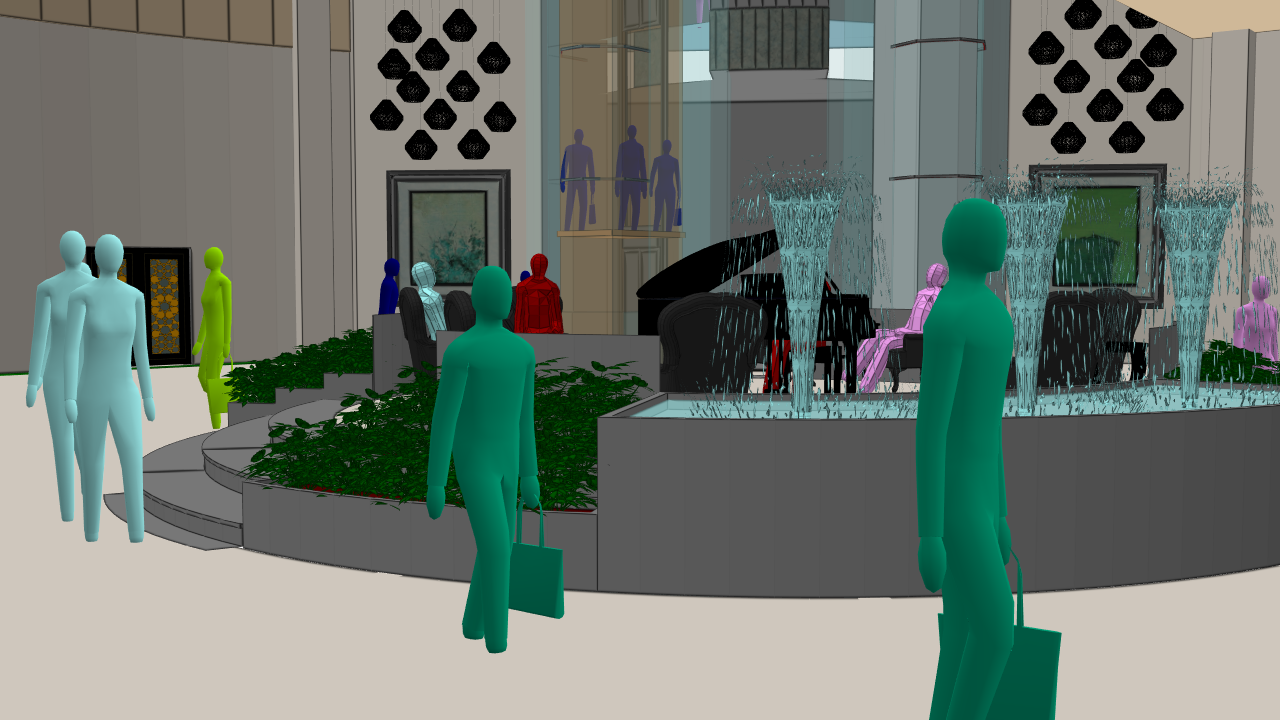
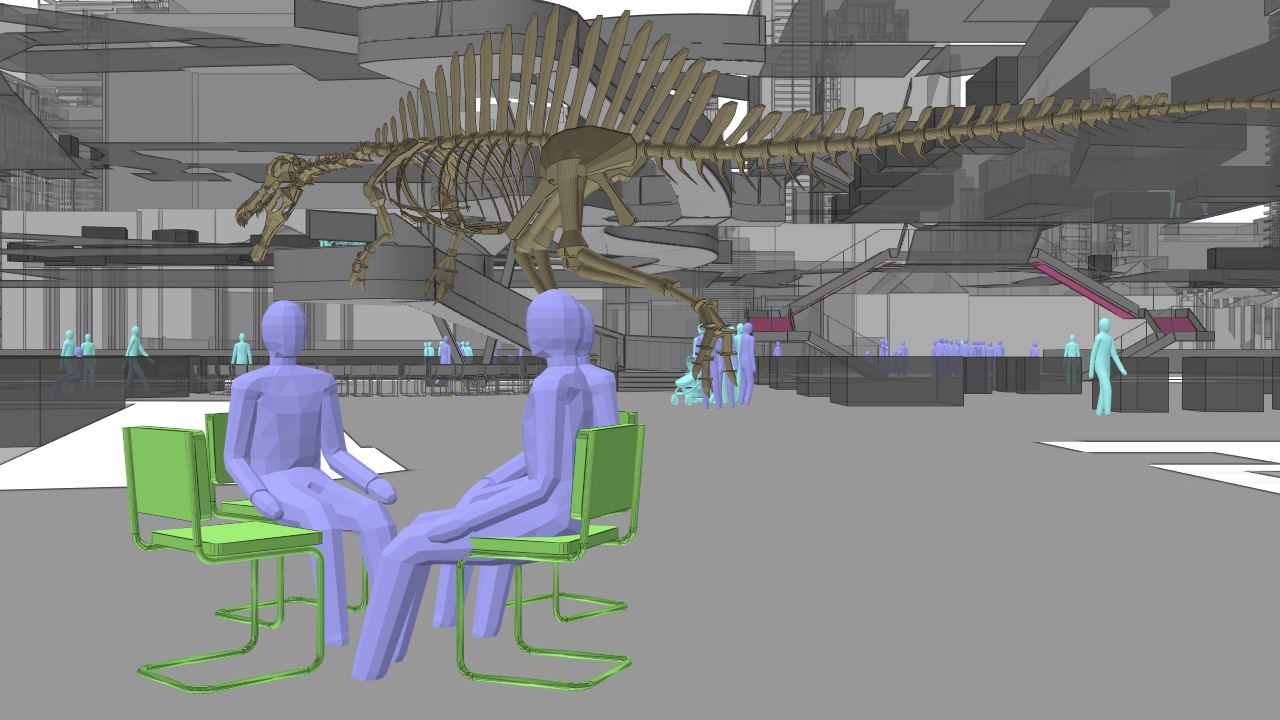
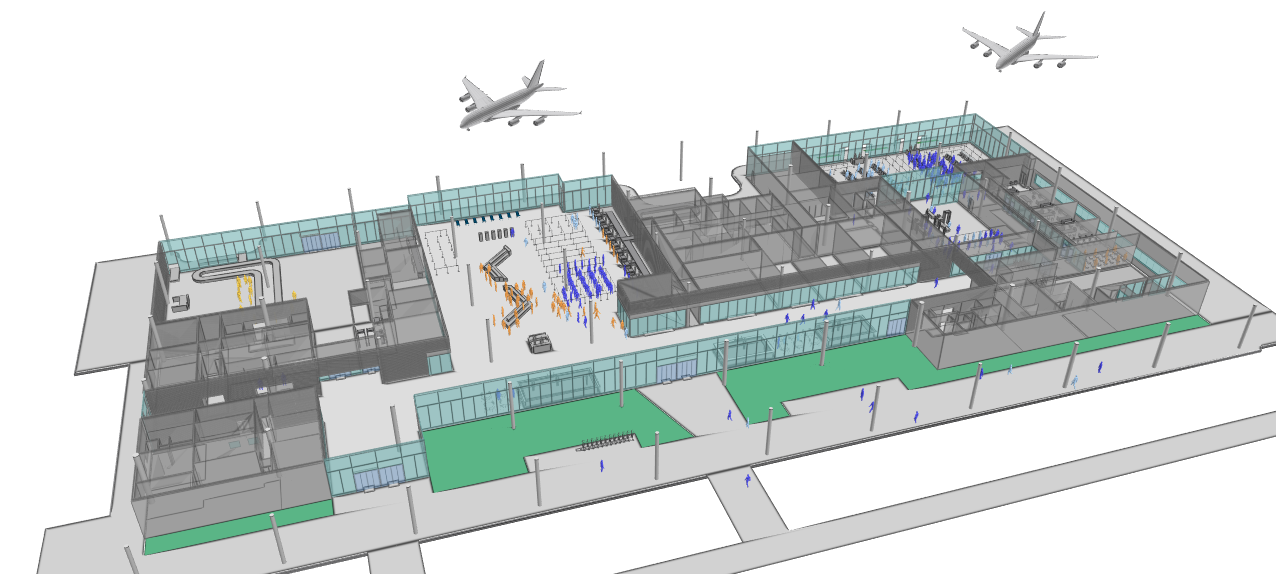
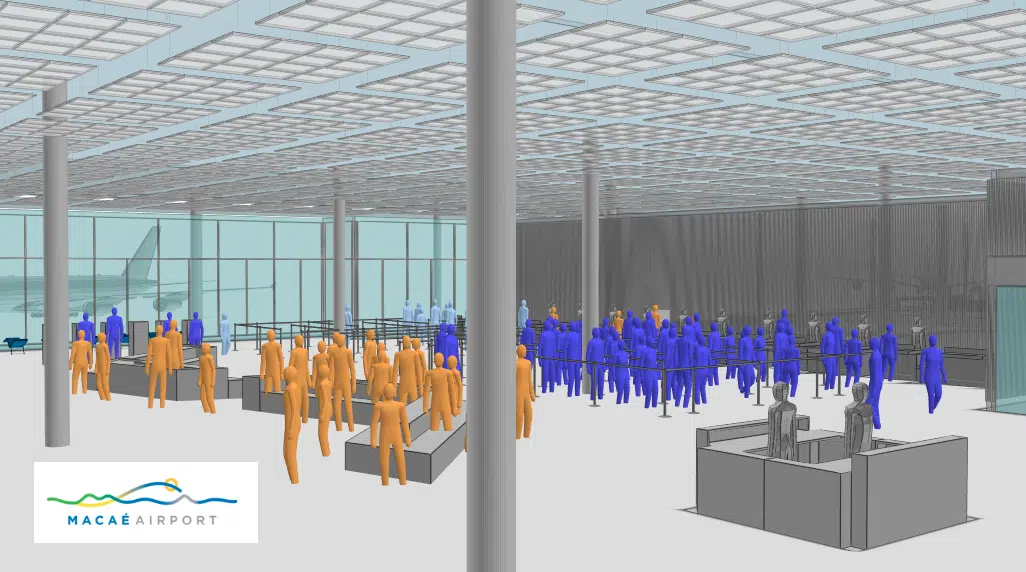
For instance, the architectural design of the new terminal at Macaé Airport was developed entirely in BIM. Thanks to MassMotion’s seamless BIM integration, the 3D modelling environment accurately incorporated all physical components that affect pedestrian movement. This not only ensured a realistic simulation but also enhanced the visual quality of the model, making the analysis easier to present and interpret.
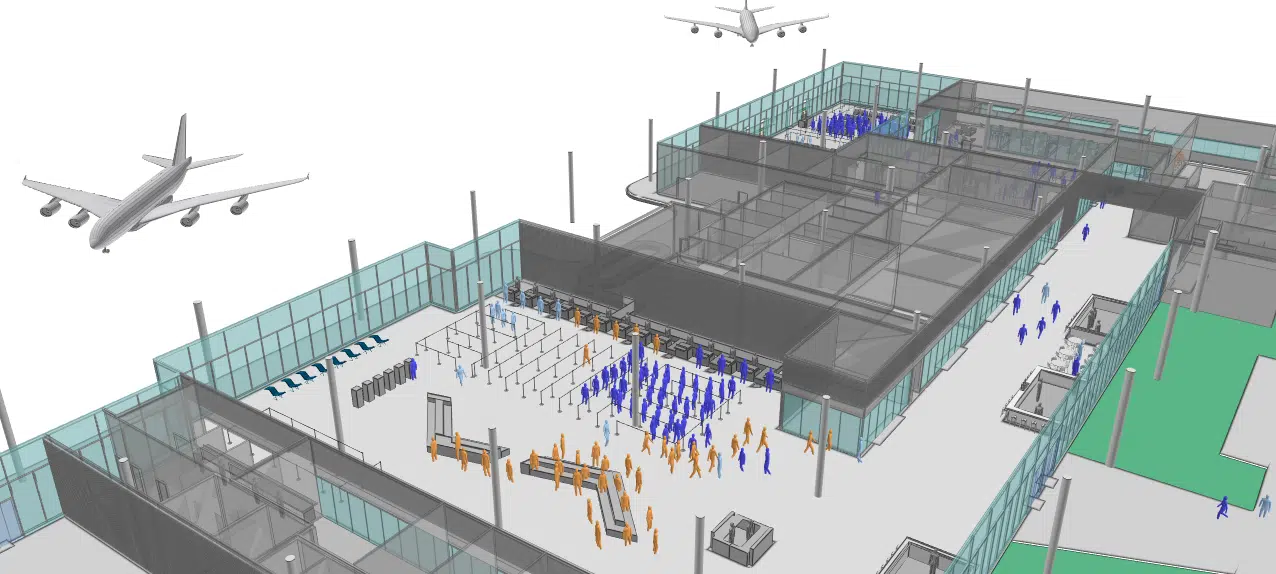
MassMotion integrates seamlessly with BIM workflows and supports both automation and customisation, allowing you to focus on designing spaces that prioritise people and maximise value.
Simulate: Testing real-world scenarios
The next step is to set up your simulation scenarios. With MassMotion, you can quickly and flexibly simulate multiple scenarios based on your project requirements, whether you're investigating design changes or operational adjustments.
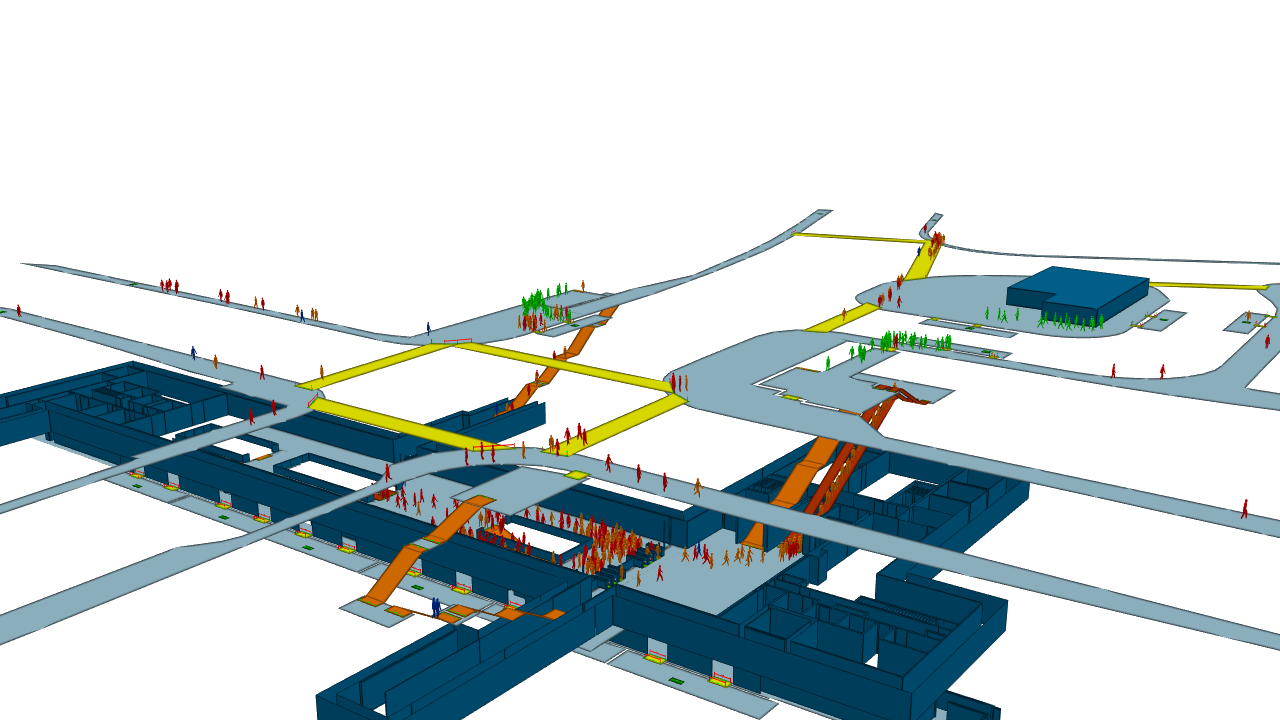
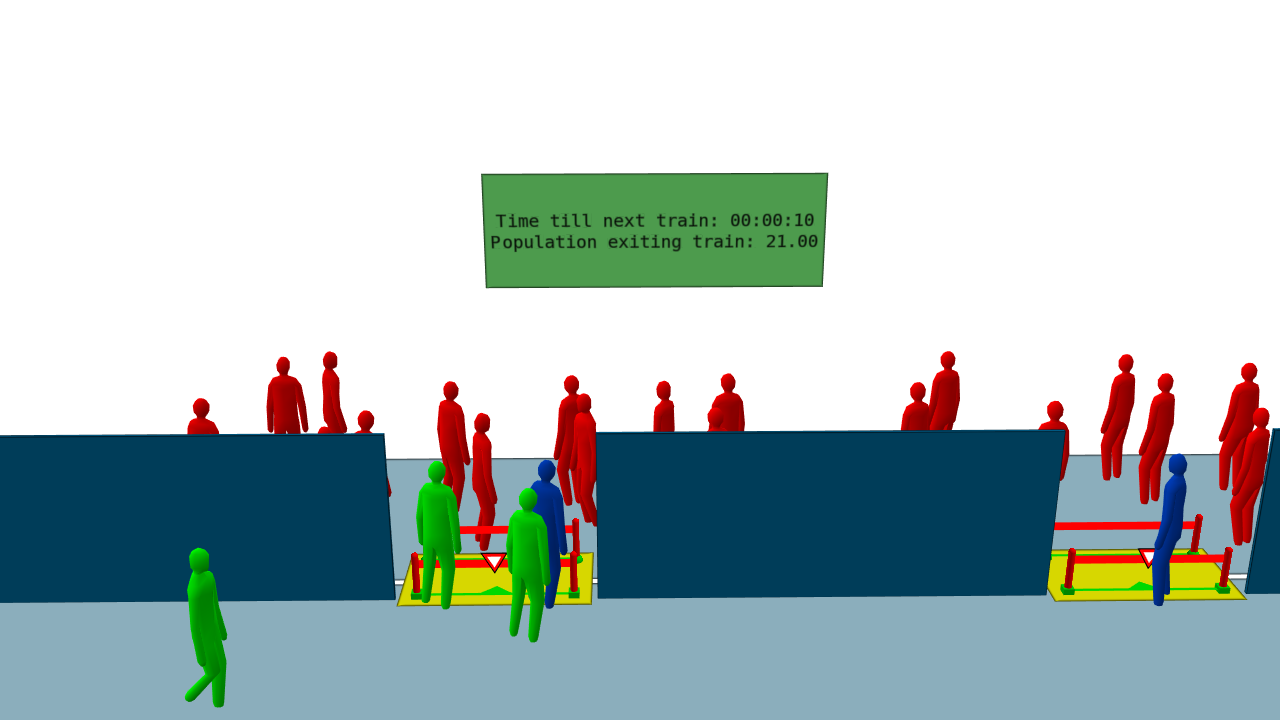
For airport design, MassMotion accurately simulates passenger and staff movement during peak hours, emergency egress, and for accessibility optimisation. You can easily import existing data and use features like timetabling and billboards to test scenarios that reflect real-world airport conditions.
We understand how significant it is to be able to test multiple scenarios for your design. That’s why MassMotion is designed to be the most efficient scenario-testing environment available. Using a script, you can update your schedule file, generate a new CSV with the changes, and run simulations seamlessly. Without the script object feature, testing multiple scenarios would require manual updates to each CSV file, making the process far more tedious.
To evaluate the design of the Macaé Airport, a hypothetical ‘worst-case’ scenario was created. It included peak-hour passenger demand for two simultaneous commercial flights and seven offshore flights which had distinct operational protocols that were required to be simulated. For example, the passengers for each flight, after checking-in, needed to remain as a group to pass through the different processes, including the safety briefing and security checks. MassMotion’s flexibility allowed these behaviours to be replicated within the simulation, enabling a highly accurate assessment of the terminal’s infrastructure and operations.

Analyse: Extracting actionable insights with powerful visualisations
Once your simulations are set up, you can begin analysing specific scenarios to identify potential issues with capacity, flow, and congestion, providing verified evidence early in the design process.
For the design of Macaé Airport, the entire passenger journey, from arrival to boarding, was analysed across different passenger types. A variety of configurations and scenarios were assessed to maximise throughput and passenger comfort, while ensuring that all necessary security and operational protocols for both offshore and commercial services were fully supported in the design.
MassMotion’s intuitive interface and analytical tools made it easy to present findings clearly to the team, enabling a comprehensive understanding of the challenges and potential solutions.
Revise: Iterating for optimal design and communicating effectively with clients
The final step is to revise the project by producing analytics and insights from the analysis of their customised models, allowing them to fix issues early, save time and save on overall costs. You then need to communicate those informed design changes to stakeholders. Using the powerful visualisation capabilities in MassMotion, you can show your findings with ease and understanding.
- Showcase your models and highlight design modifications with 4K movies.
- Dive into precise numerical data using the Static Accessibility Map. Assess route options for different user groups, compare designs and show how you were able to meet specific design requirements.
- Export map data, generate histograms, and identify hotspots and potential congestion issues. Get a snapshot view of the performance of several design iterations.
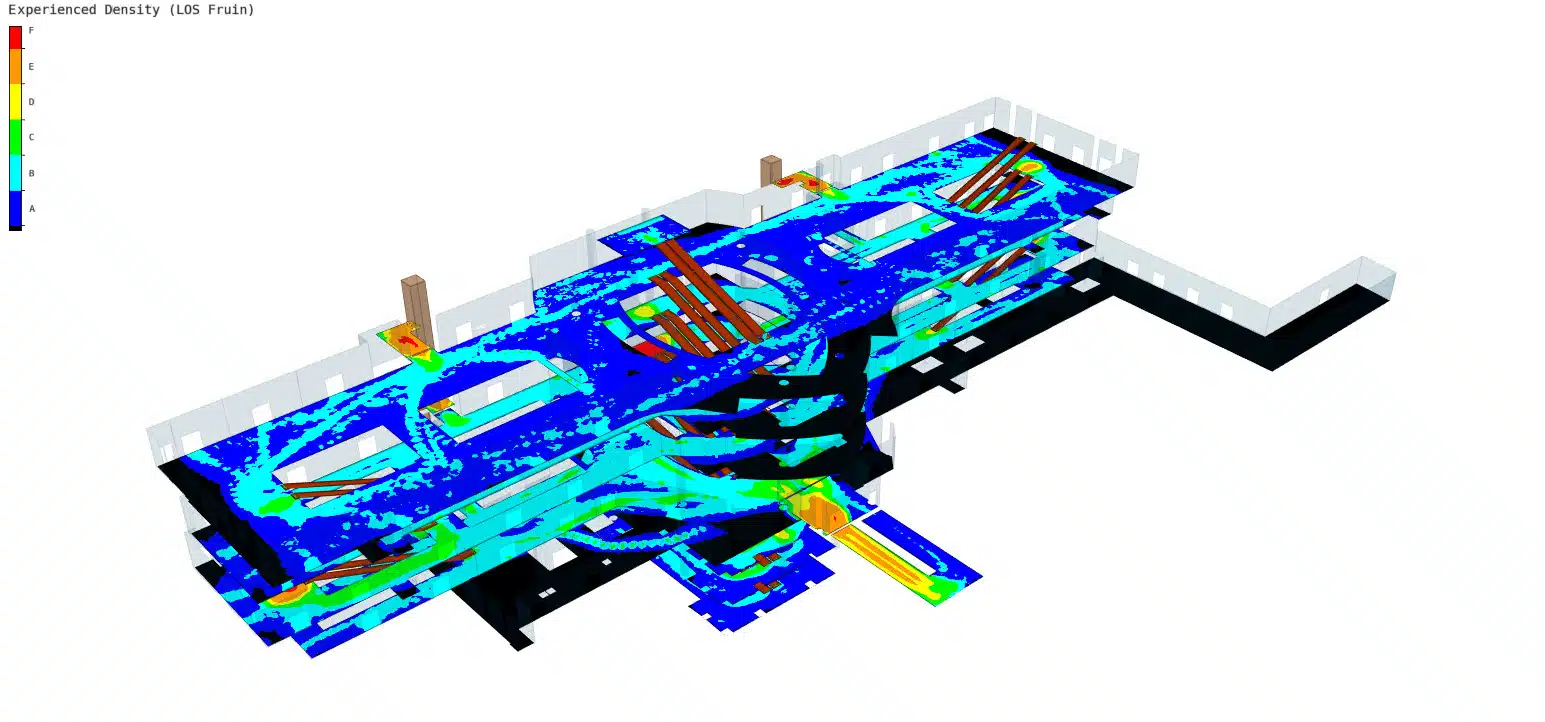
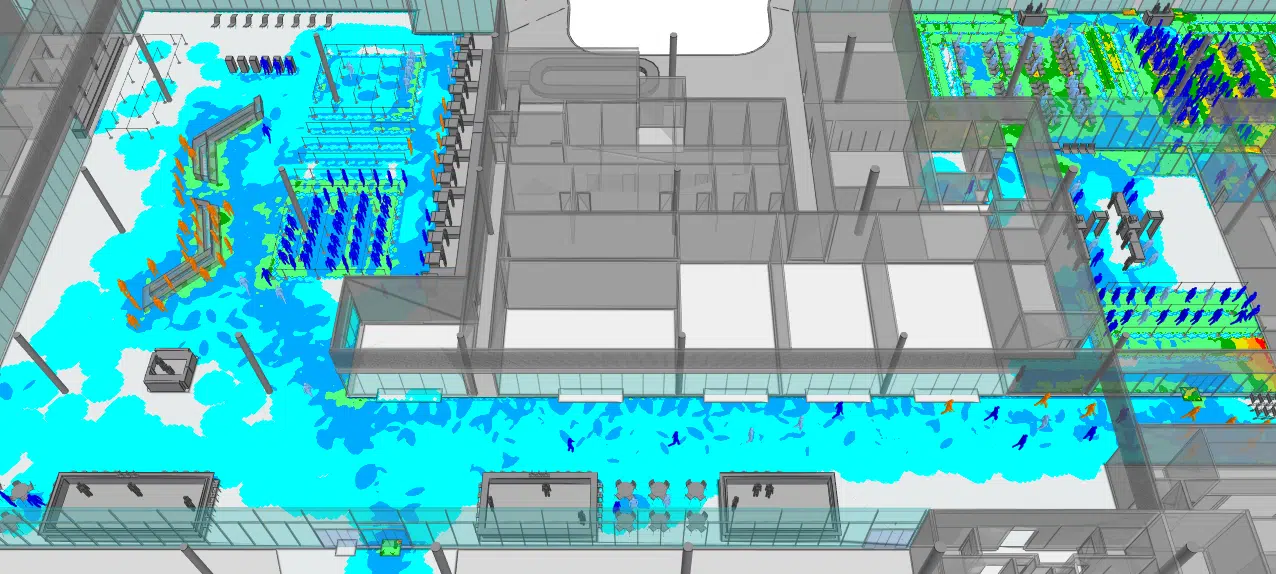
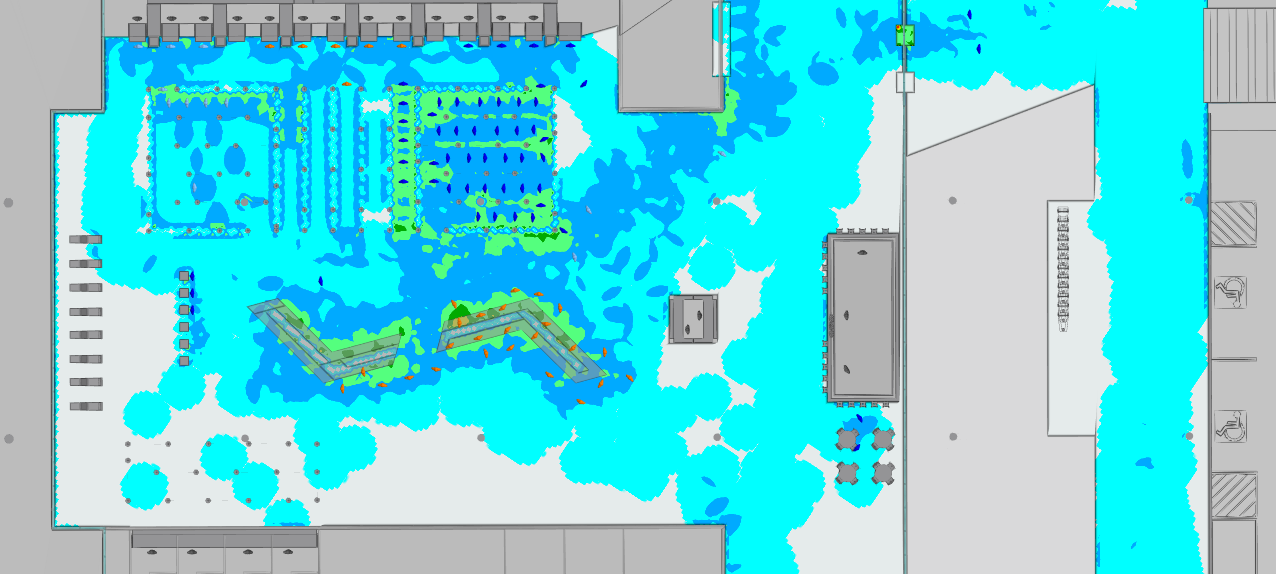
- Heat and density maps are colour coded to show you where bottle necks are forming and where potential capacity issues could arise. This can be shown clearly and coherently to clients to explain design recommendations.
During the development of the Macaé Airport project, MassMotion’s flexibility enabled rapid testing of various layout options to assess their impact. This allowed the design to be optimised, minimising potential passenger flow conflicts and ensuring operational flexibility throughout the terminal.
Aviation planning made easy
By integrating MassMotion into your workflow, you demonstrate a commitment to evidence-based planning, reinforcing your value to clients and naturally encouraging long-term partnerships. The ability to identify and resolve issues early in the planning process saves valuable time, money, and manpower, benefits that resonate strongly with stakeholders. With transparent, data-driven results, MassMotion empowers you and your clients to move forward with confidence in your designs, making it an indispensable tool for modern airport planning.
Pedestrian simulation software
Oasys MassMotion
Learn more about the world’s leading pedestrian simulation modelling software that helps deliver successful project outcomes.