While designing and creating themed lands and attractions is an art, it doesn't end there; taking the extra step to optimise these areas ensures guest satisfaction, which can almost guarantee their return. Carefully curating spaces and queue lines by analysing how your guests move through your park and attractions is essential to enhanced guest experience.
To efficiently curate your themed entertainment spaces, use pedestrian simulation software. The leading software, Oasys MassMotion, leverages real-world data to help you build or import your immersive lands and attractions into a simulation model. You can customise agent (guest) behaviours to accurately reflect a real-world environment. There's no more powerful tool to bring your designs to life.
Drawing upon the topics and discussions covered in our webinar with Firefly Creations Ltd and blooloop titled "Enhancing Pedestrian Experience Design for Theme Parks and Attractions using Oasys MassMotion.", read on to discover how MassMotion can be leveraged to optimise area layouts, support operational planning, and enhance guest experiences.
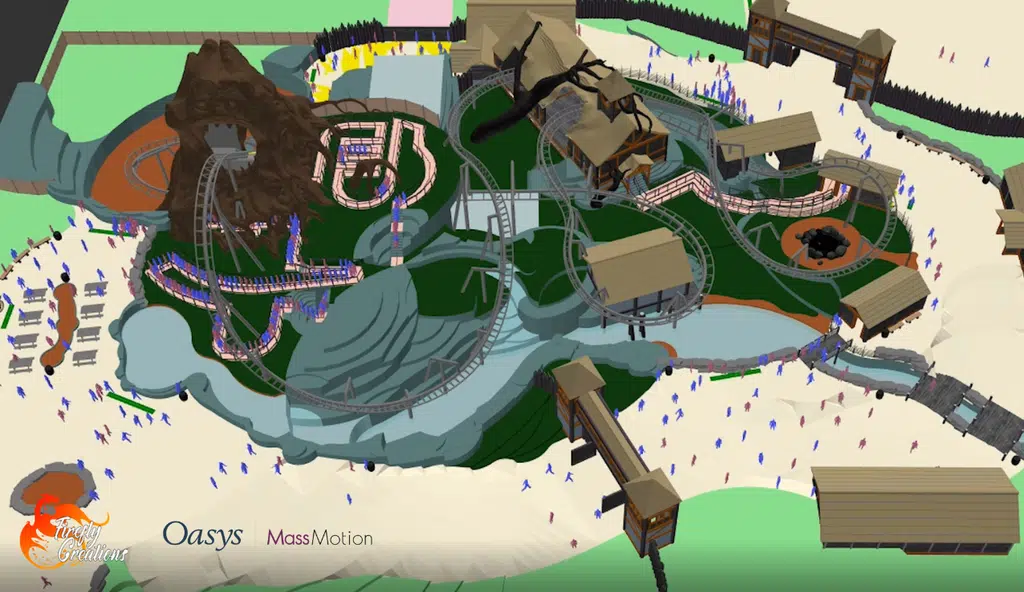
During the webinar, participants learned how Co-Founders of Firefly Creations, Andrew Porter (Creative Director) and Michelle Hicks CEng MICE (Executive Producer), utilise MassMotion to improve guest experience, maximise revenues, ensure efficient queue line operations, and optimise overall pedestrian flow from individual attractions to larger immersive lands. The software's ability to simulate crowd interactions provides valuable data for determining capacities, staffing requirements, and operational procedures during the early design stages of a project.
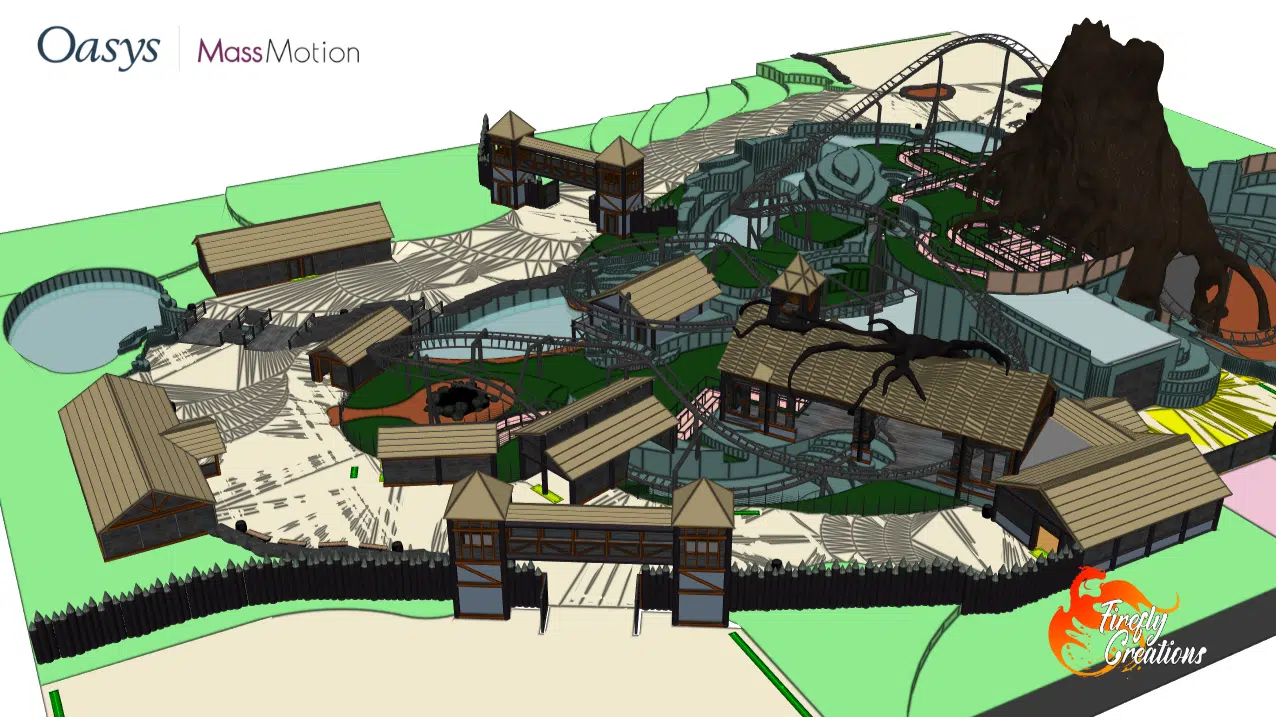
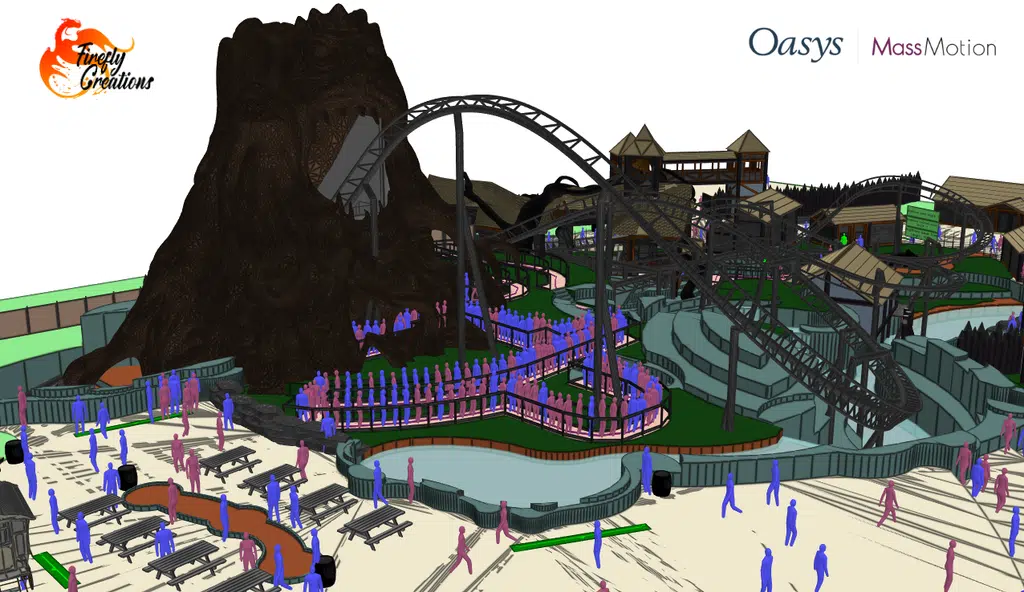
An example of MassMotion's effectiveness is seen in the theme park land, Kraken Cove. By generating a detailed simulation, Andrew and Michelle conducted a comprehensive analysis of guest movement. The extensive information from the simulation allowed them to identify and diagnose potential issues with capacity, flow, and congestion. This highlights how solutions can be underlined at the design stage, allowing for early fixes and saving time, further ensuring informed decision-making throughout the design process.
MassMotion model runthrough
The webinar highlighted the four key steps for using MassMotion in pedestrian experience design: Create, Simulate, Analyse, and Revise. Andrew and Michelle take us through the design process of ‘Nightmare’, an intense rollercoaster, from concept layout to scenario testing and finally revisions of the design. They demonstrate how creative storytelling is made possible by the powerful visualisations in MassMotion. They conclude that MassMotion allows you to enhance your designs and have confidence that guests will be able to move through your spaces efficiently, allowing you to communicate these designs to key stakeholders with certainty.
Attendees discovered how incorporating this versatile tool into their workflows can save time and offer cost-effective solutions for a variety of projects. They learnt that with MassMotion, you’re supported in the design of new theme park lands and attractions by simulating guest behaviour to advise on capacities, attraction throughputs and highlight pinch points.
Watch the recording to gain a deeper understanding of how MassMotion can transform your approach to designing and managing pedestrian experiences in theme parks and attractions. You probably have some questions by now! Check out the Q&A section below from the webinar for detailed explanations on various aspects of pedestrian experience and themed entertainment.
Q&A:
To listen to the answers to the questions from the Q&A, click the timestamps below:
Q: How long did it take to create the model (Nightmare) and run the simulations?
A: MassMotion is incredibly powerful because it allows you to run simulations using 2D floor plans, eliminating the need for a 3D model. You can simply scan a sketch, scale it up, and MassMotion will simulate people moving through the space based on that sketch.
You can import any 3D or 2D design package directly into MassMotion, which speeds up the process, especially for concept or schematic level designs. While some initial setup is required to ensure everything runs smoothly, the process is straightforward and becomes quicker with practice.
Running simulations is very efficient. For example, simulating the movement of 9,000 guests over 10 hours took only about 30 minutes. This efficiency allows for rapid testing of different scenarios, such as adjusting fast-track percentages, which is useful for meetings with clients and stakeholders.
A: MassMotion is designed to simulate how people move through fire egress. For a long time, MassMotion has been used to model emergency egress. These scenarios do change depending on where you are in the world and it’s a very serious topic. It’s worth considering that MassMotion is a great design tool to help you visualise performance-based design, but we’d recommend also engaging with a co-consultant or a trained fire engineer when carrying out this work.
Q: What software is the 3D model built in?
A: If this is referring to the simulation aspect, it’s MassMotion which is a pedestrian experience modelling tool. MassMotion allows planners, engineers and designers to model their designs around pedestrians and test different scenarios during the design process. It does allow imports from other BIM tools like SketchUp. All the 3D element around the floor plans in the Nightmare model where you’re seeing the agents walk around, that was all built in SketchUp, and then that was imported into MassMotion to be able to see the different parts of the experience. The key area is the floor plans that MassMotion uses to get the information it needs to run the simulation.
Q: Can MassMotion model groups of people?
A: Firstly, let’s define what a ‘group’ is.
- Large groups moving through turnstiles, you might see some natural lane formation and MassMotion will do that as standard.
- School groups or tour groups move through a space collectively often in the same area, and there are ways you can model that in MassMotion using the Action system which gives the agents a set of things to do.
- Family groups tend to be trickier to model because they interact with their surroundings in a very different way. You can model family groups using the Software Development Kit (SDK) which lets you automate and customise various elements of MassMotion. We plan to bring this into the software natively and are currently conducting research to make sure that we’re basing the development work on the most up to date research, how different groups move in different contexts.
Grouping will become easier over time in MassMotion.
Q: What are the challenges for accurately defining the number of guests that will be in a theme park area at any particular time? / For new projects and parks where do you obtain the data on times and percentage of people suing facilities such as toilets, F&B and lockers for example?
A: MassMotion simulates agents moving through areas, but to do this effectively, we need to research how guests move around a park and input that data into the software.
For example, simulating a theme park during school holidays presents challenges, such as increased attendance in children's areas and decreased attendance at thrill rides. We need to instruct MassMotion to account for these variations. A simpler challenge might be determining how many people will ride a rollercoaster.
MassMotion allows you to randomise agent heights and customise behaviours for agents who aren't tall enough to ride certain attractions. These agents can be programmed to leave and find other areas, like food and beverage or retail spaces. You can also set and randomise time periods for these actions. Depending on your project's location, you can perform a space analysis to meet specific requirements. We have access to extensive databases to make informed design decisions and test various scenarios with MassMotion, accurately simulating guest movements.
When working on large theme parks, teams often focus on specific lands or rides. At Firefly Creations, we start by asking clients about their main concerns for an area, then scale down large models to optimise specific spaces. These models can be built up over time.
For existing parks, guest attendance data helps inform the model. For new parks, we analyse travel radiuses to estimate visitor numbers and distribute them across different areas. We also compare off-peak and peak days to understand guest behaviour. This data is used to run and test scenarios in MassMotion.
When designing new rides or lands, it's tempting to create large queue lines, but this can make spaces feel crowded. We guide clients to design queue lines that can be extended if needed. For example, a queue line might be designed to hold an hour to an hour and a half worth of people but can be extended to accommodate more during peak times. MassMotion's visualisation features help clients understand how attractions will operate.
MassMotion is a valuable tool for identifying and solving design problems early, saving money long term.
Q: What is coming up in the revision of MassMotion?
A: For more information on the latest release, click here!
Q: Any comments or advice on obtaining approval for use of the software and navigating regulations?
A: MassMotion can be applied across various sectors, each with its own regulatory requirements. The level of acceptance of MassMotion by different authorities varies globally.
In the themed entertainment sector, the use of MassMotion is determined on a project-by-project basis. As a story-telling company, at Firefly Creations we focus on the guest experience. We inform stakeholders about MassMotion as an additional tool and decide on the necessary level of detail for its use. Our primary focus is on guest flow rather than regulatory approval. We analyse where guests will be standing to inform the design of scenery, special effects, and show elements. We concentrate more on the show areas rather than emergency scenarios like fire evacuations. However, if MassMotion can serve a dual purpose, we can delve into more technical details for certain projects.
Q: Can MassMotion design a group of people with differing mobilty?
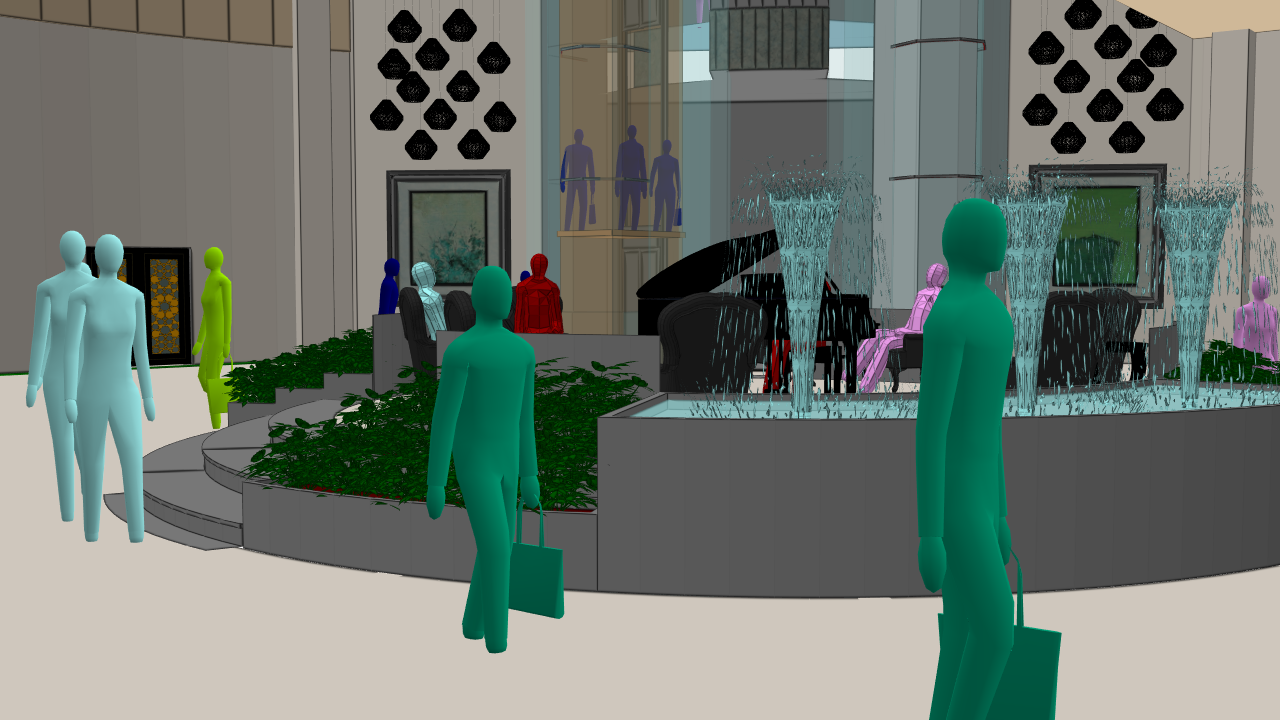
A: Yes, you can create different profiles for each person, customising attributes like speed, sex, space they occupy, height, and behaviours. You can also visually define their mobility, such as someone walking with a cane.
At Firefly Creations, we've successfully implemented this in our Nightmare model, which includes disabled access to the station. We represent agents in wheelchairs, who move slower and use designated accessibility paths. Other agents are programmed not to follow these paths, allowing for separate routes for disabled users.
Q: What research is Oasys using to program default agent behaviour?
A: Our team is undertaking a major development: a fundamental re-architecture of the engine that drives agent movement in MassMotion. This ensures we incorporate all the research conducted over the years. The largest users of MassMotion are the academic community, some of whom are our partners. Together, we aim to base the new engine on diverse data types rather than solely relying on industry standards.
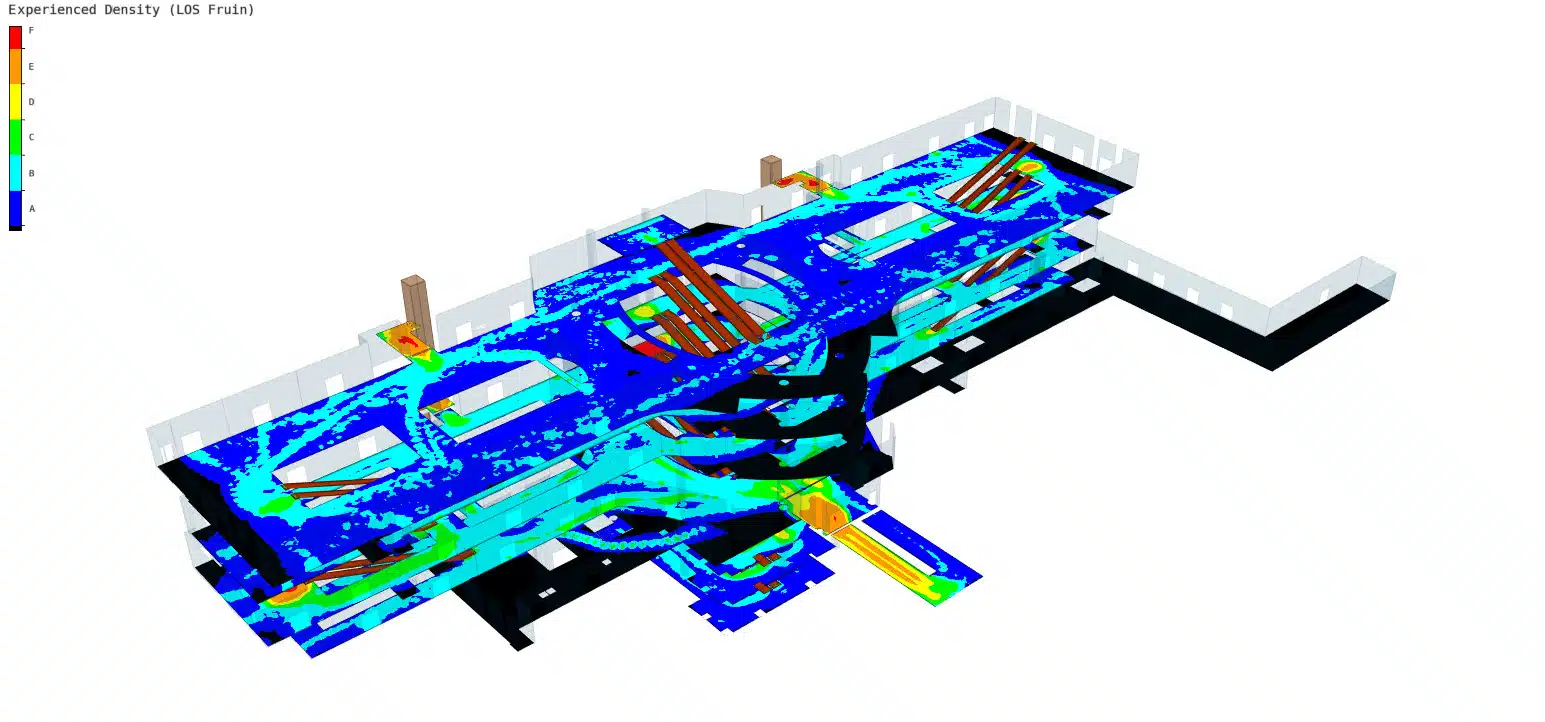
John Fruin's work on train stations in New York City during the 1960s and 70s remains fundamentally valid for understanding people's movement in such environments, with some additional considerations. However, when designing a theme park outside of the United States for example, this research may be less relevant. We want the new MassMotion engine to integrate the latest global research and adapt to emerging conditions.